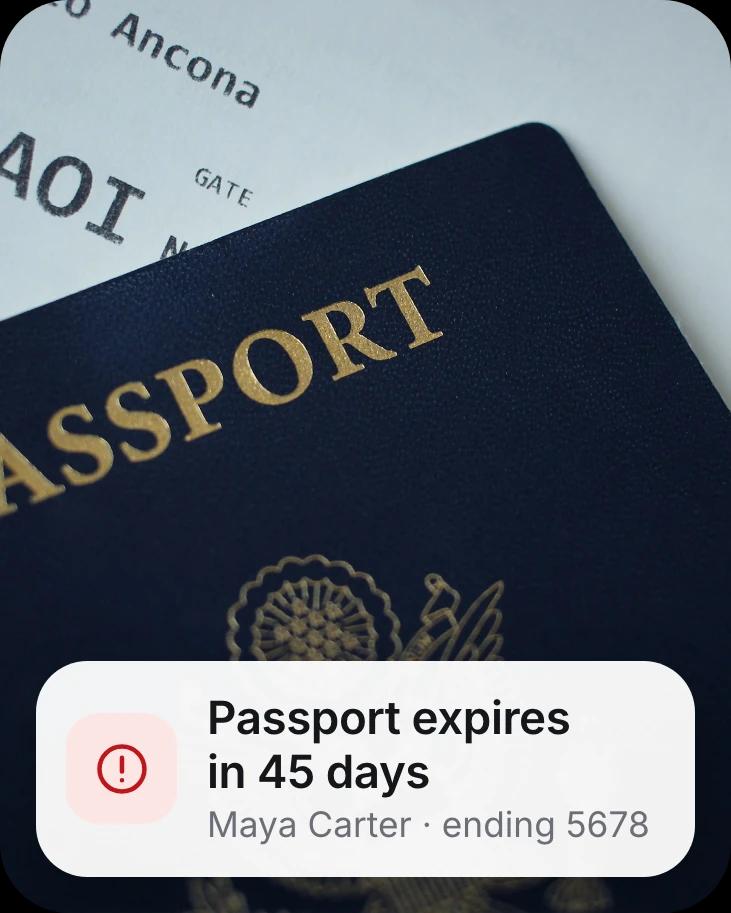







A passport, with a card reading: passport expires in 45 daysA question, when does my fridge warranty end, answered: covered until January 12, 2027
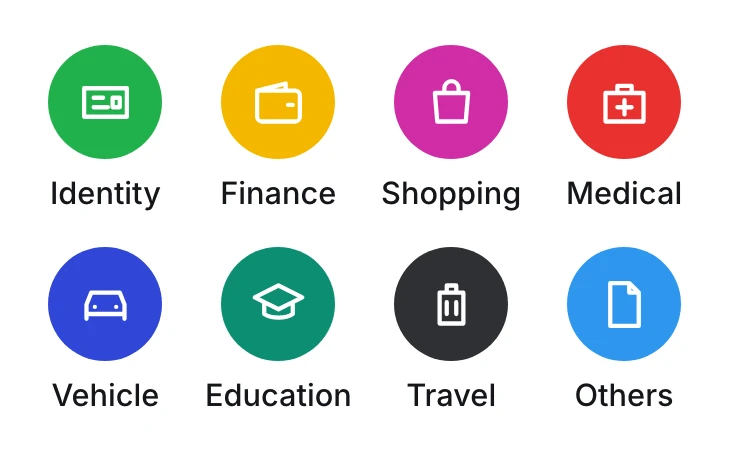
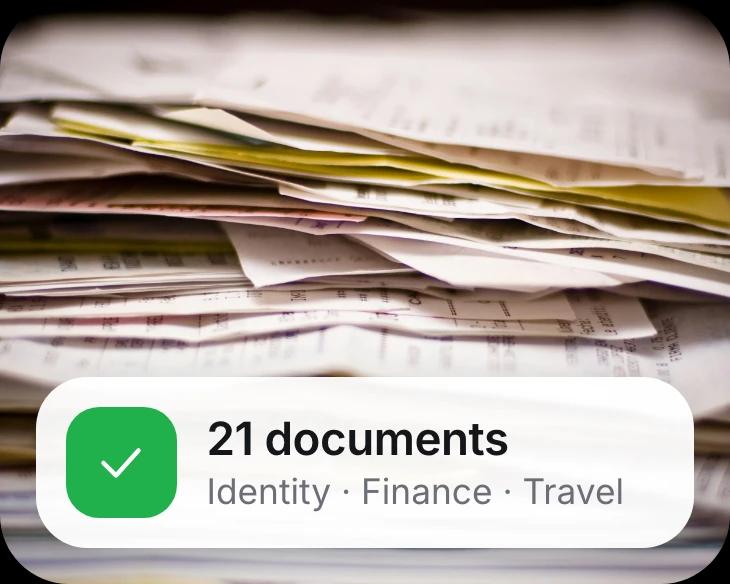
An upcoming trip to the Amalfi CoastThe eight document categoriesA pile of paperwork, with a card reading: 21 documents

Your Life OS

Paperwork runs your life. Not anymore.

1Shelf reads every ID, bill, policy and ticket you own, files it, and tells you before anything is due. Life admin, handled by AI.

Download on the App StoreGet it on Google Play

Free on iPhone, iPad and Android.

Three steps, and the first one is the only one you do

  1. Step 1

    Add anything.

    Photos, PDFs, your camera roll, a cloud folder, a WhatsApp or email forward. Whatever shape your paperwork is in.

    Where it comes from
  2. Step 2

    1Shelf understands it.

    It reads every page, gives the file a clear name and sorts it by category, by person and by trip.

    What you get
  3. Step 3

    It goes to work.

    Ask it questions. Hear before things expire. Travel with the plan already made. Find anything in seconds.

    What it does for you
Step 1 · Add

It starts with whatever you have

No scanning marathon and no special format. Bring documents in from the places they already live, and keep forwarding new ones as they arrive.

Let it look through your camera roll and it picks out the receipts, IDs and tickets for you. Nothing uploads until you say so.

  • Photos
  • Google Drive
  • Dropbox
  • OneDrive
  • WhatsApp
  • Outlook
  • Gmail
  • Scanner
1Shelf
Step 2 · Understood

Your whole life admin, in one calm place

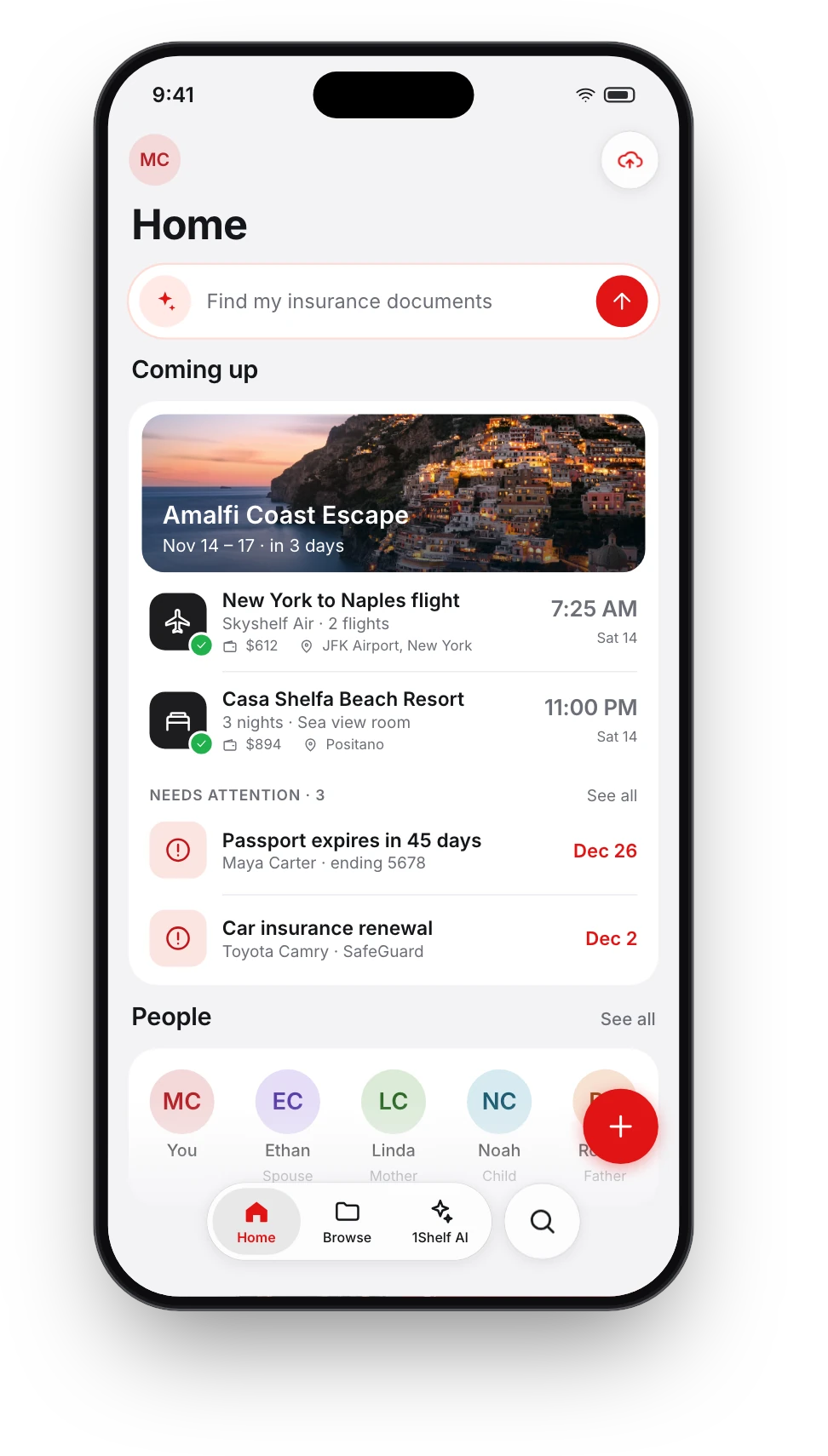
Minutes later, this is your home screen. Nobody typed any of it in. Every date, name and amount came out of a document.

The 1Shelf home screen on iPhone
Step 3 · Put to work

Then it goes to work for you

Four jobs 1Shelf takes off your plate, all from the same documents.

1Shelf AI

Ask your documents anything

It finds the right papers, reads them and does the sums. Every answer shows the documents it came from.

Example questions: Find my tax documents for 2025; Is my car insurance still valid?; How much did I spend in Amalfi?

It answers in 18 languages.

How 1Shelf AI works
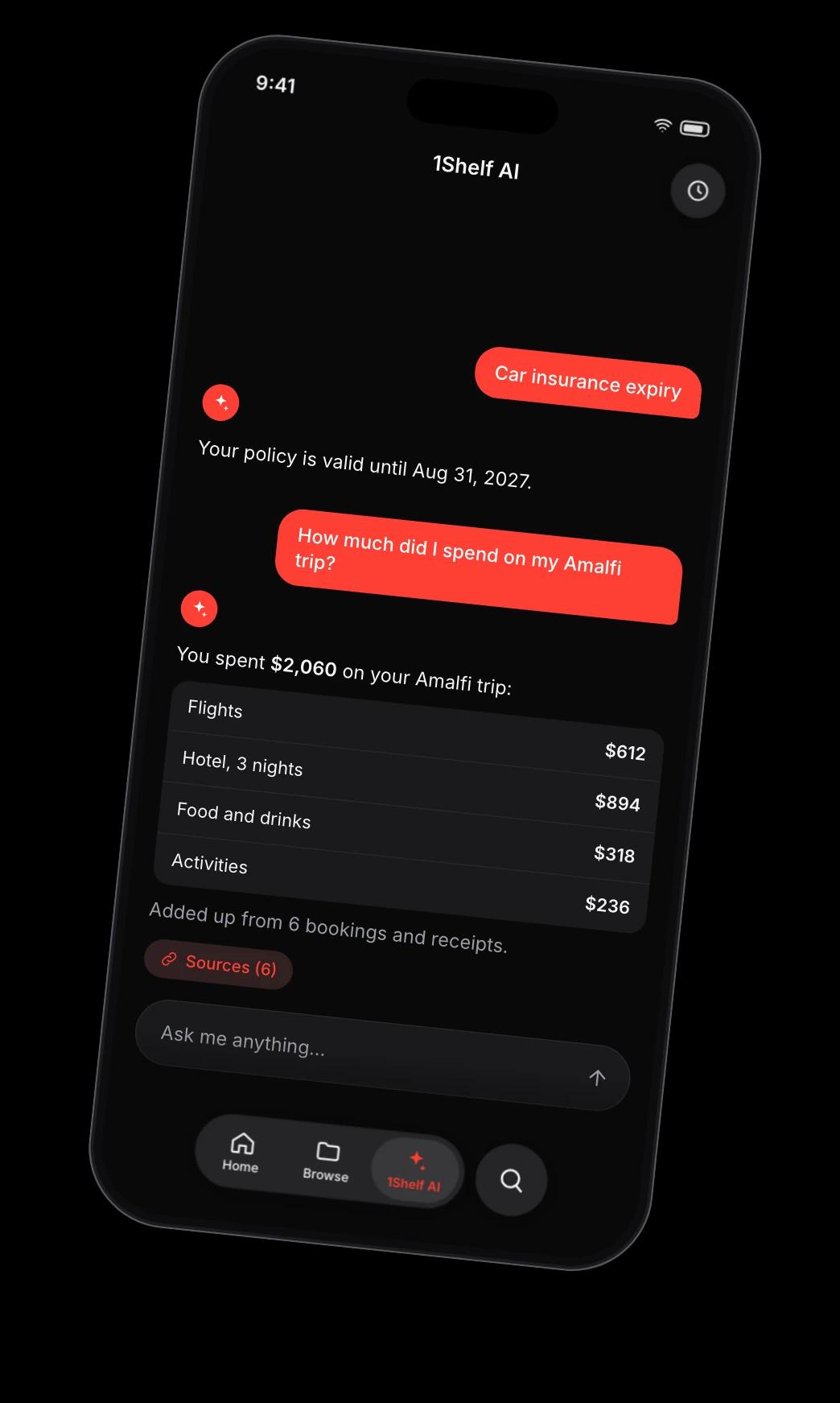
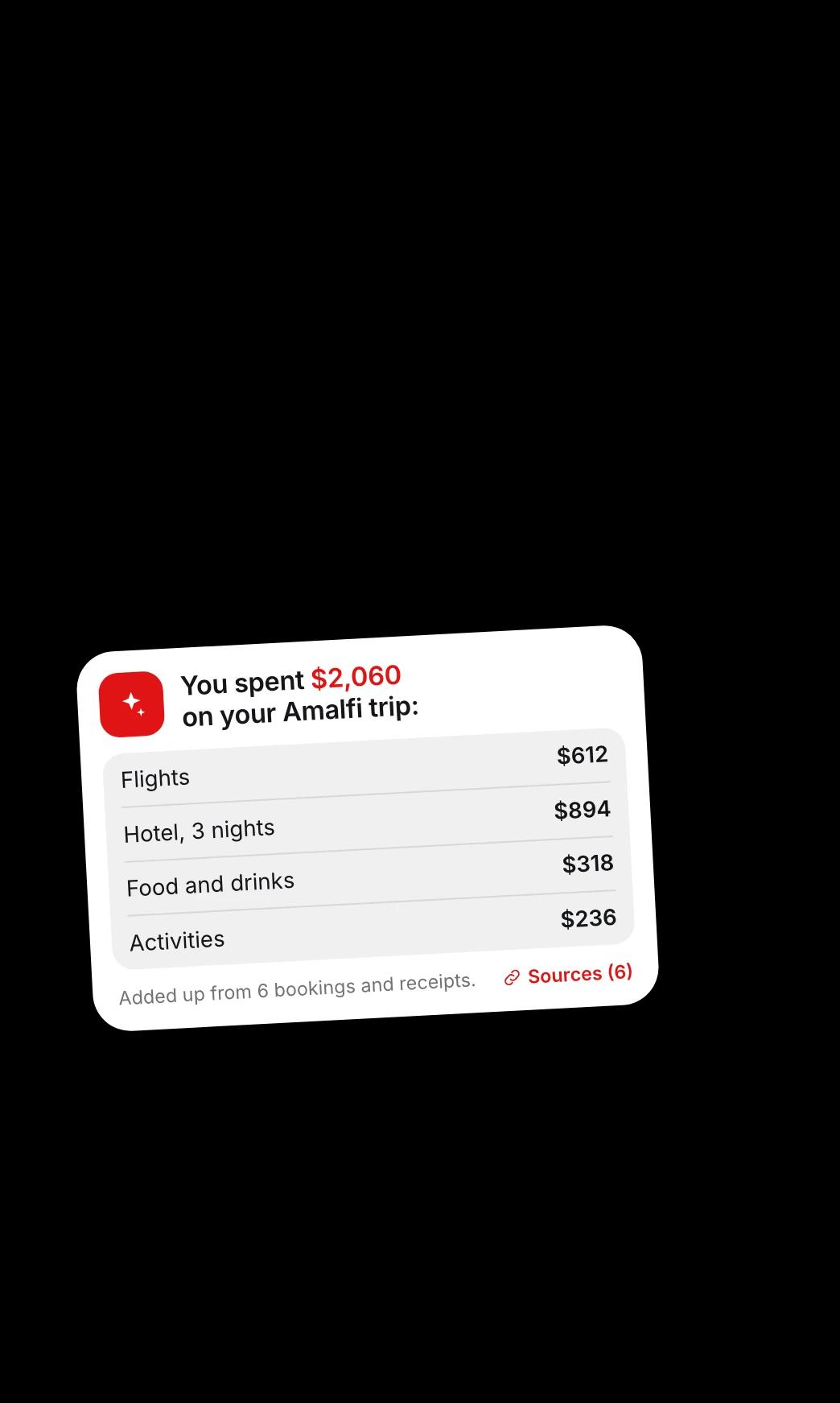
1Shelf AI answering how much was spent on a trip, with a breakdown and its six sources
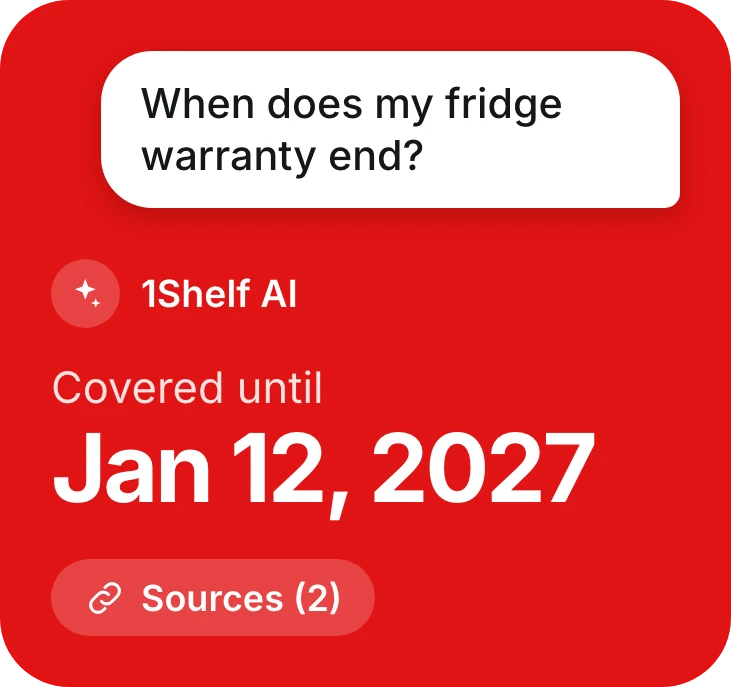
Another answer: the fridge warranty is covered until January 12, 2027
People

Everyone's papers, sorted by person

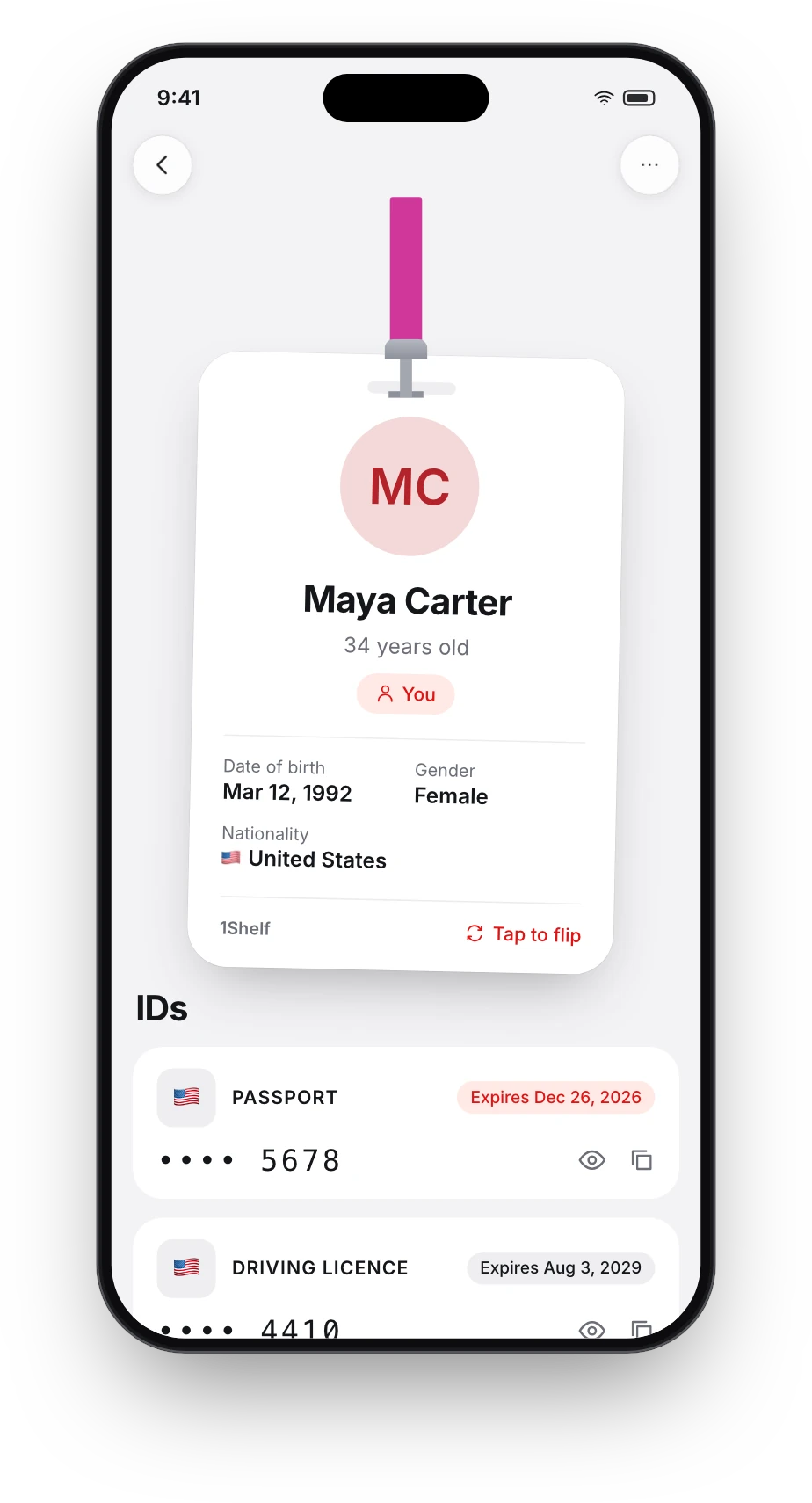
1Shelf works out who each document belongs to and gives every person a card. ID numbers stay masked until you tap.

How People works
A person's card in 1Shelf: Maya Carter, with her passport and driving licence, numbers masked
Reminders

Know before anything expires

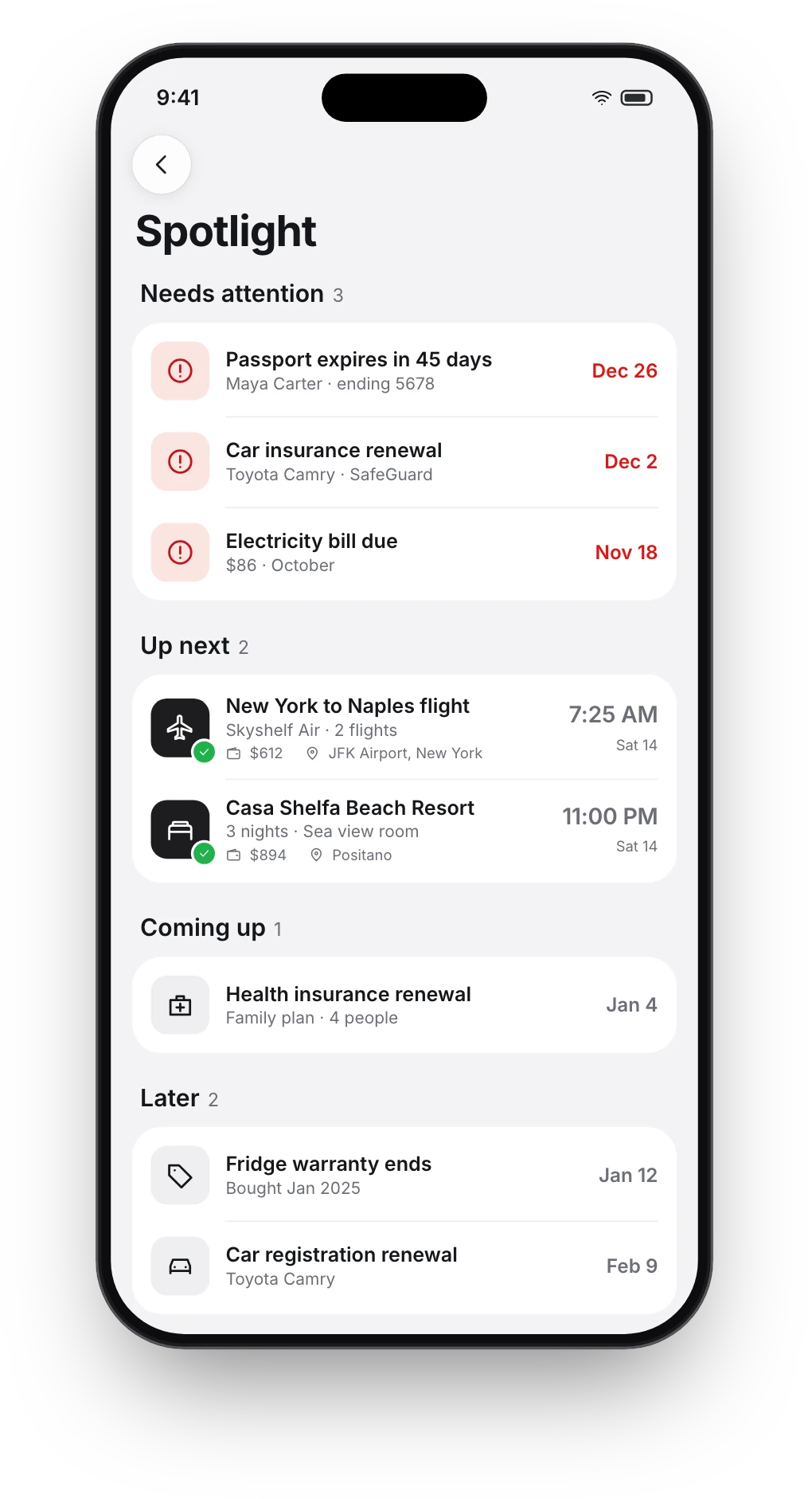
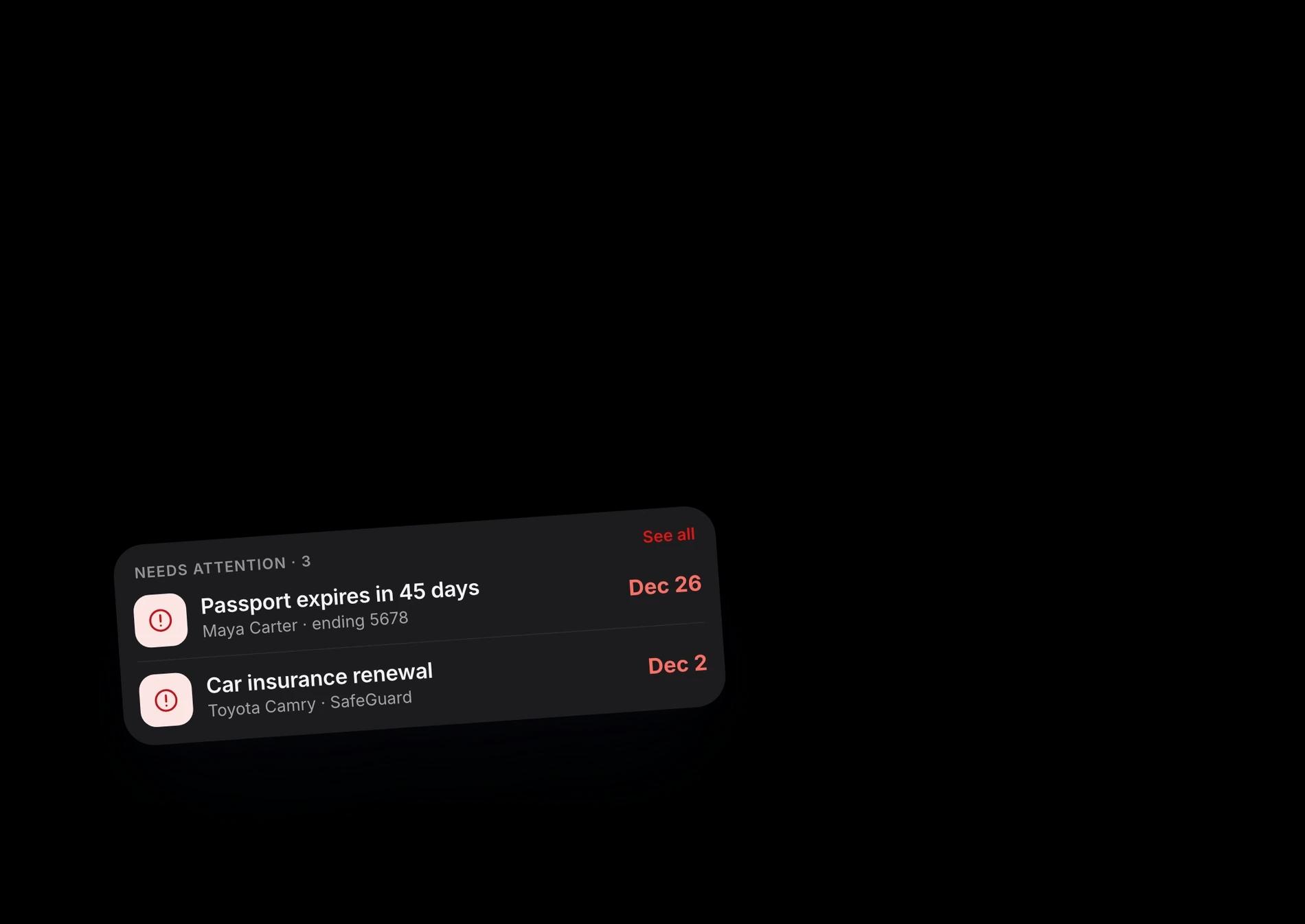
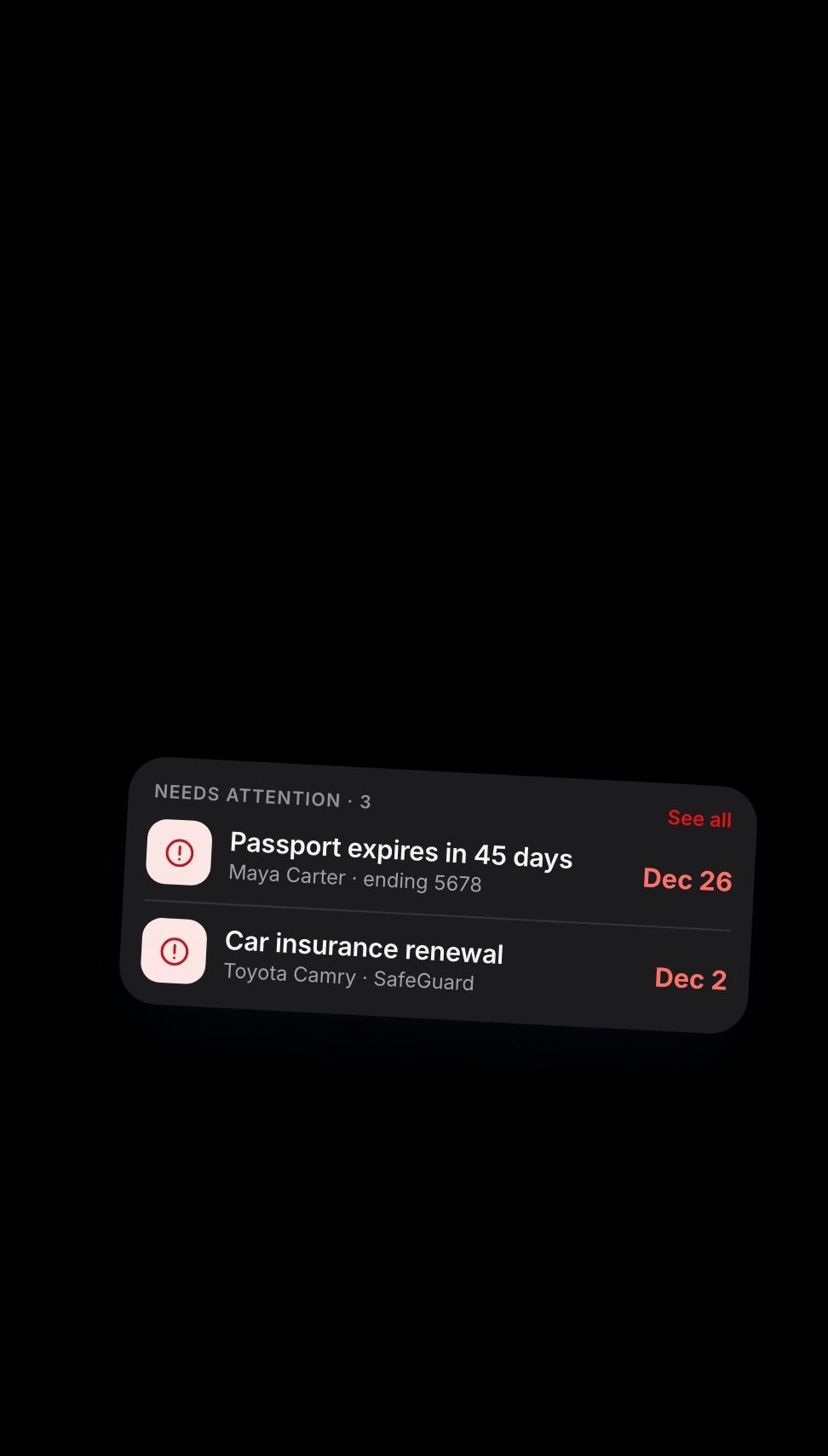
Every expiry and due date is read from the document itself. Passports get months of notice. Bills get days.

How reminders work
A 1Shelf notification for a car insurance renewal, over a list of documents that need attention
Trips

Tickets become trips, automatically

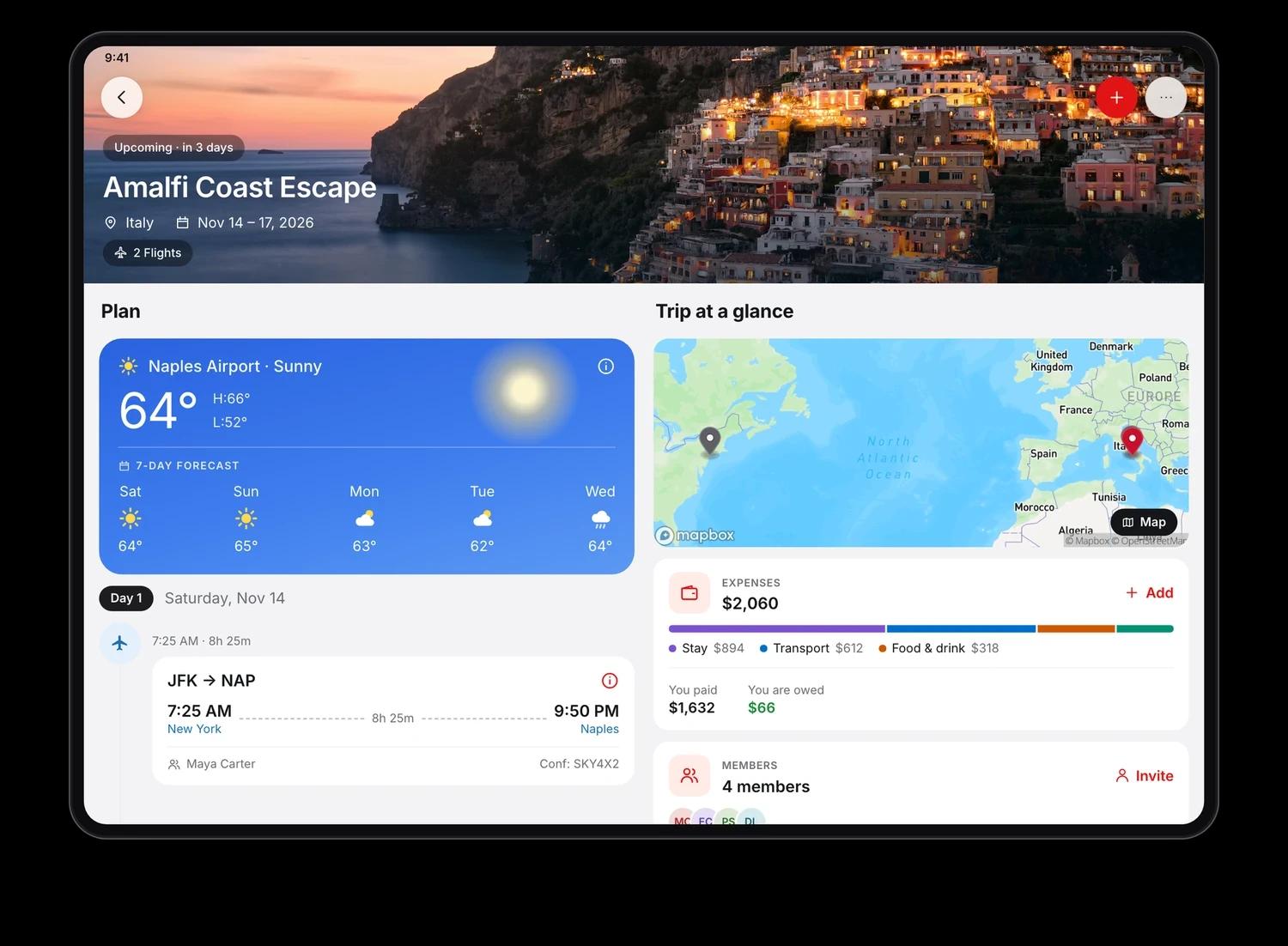
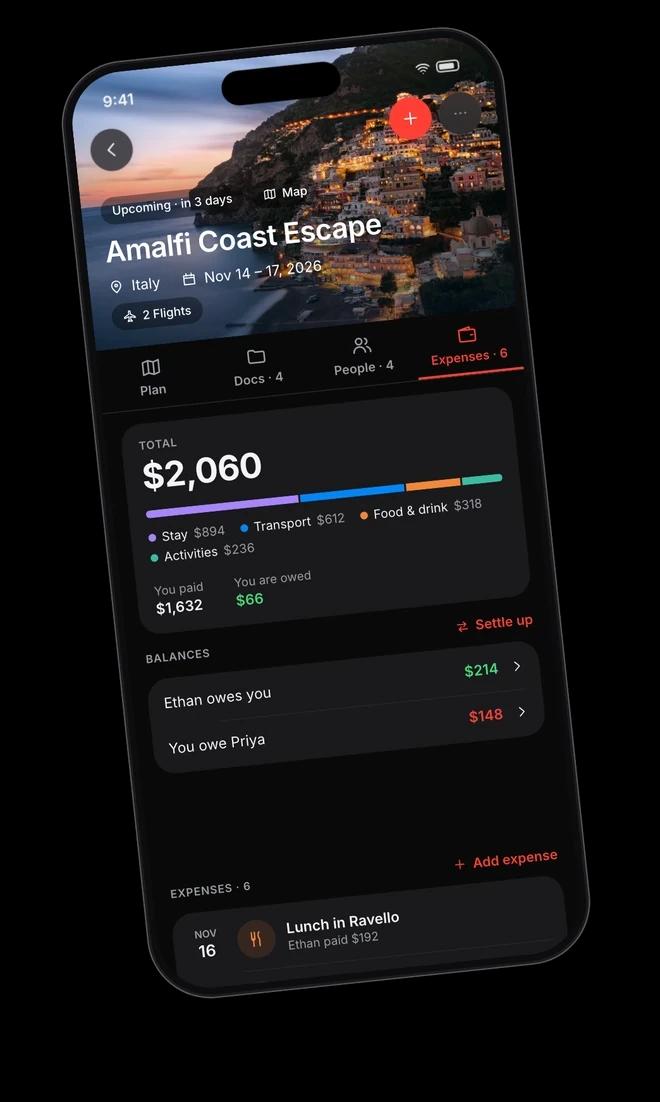
Add a flight ticket and a hotel booking. 1Shelf builds the itinerary, checks the weather, shares it with everyone going and keeps track of who owes whom.

How Trips works
A trip in 1Shelf on iPad: the Amalfi Coast plan with weather, a map, expenses and members
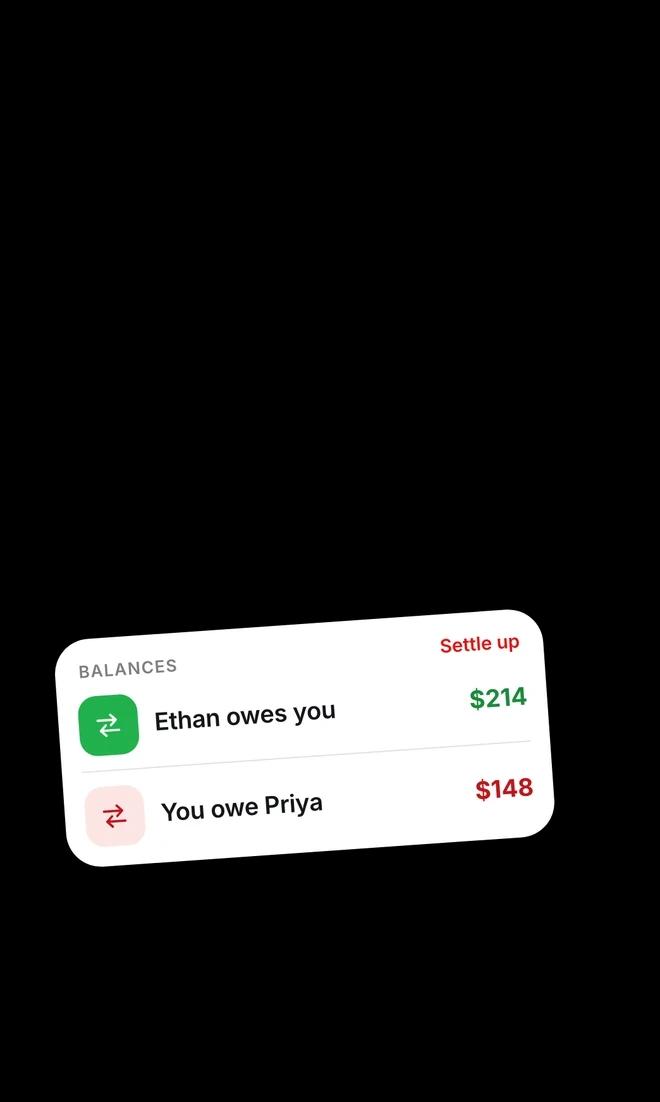
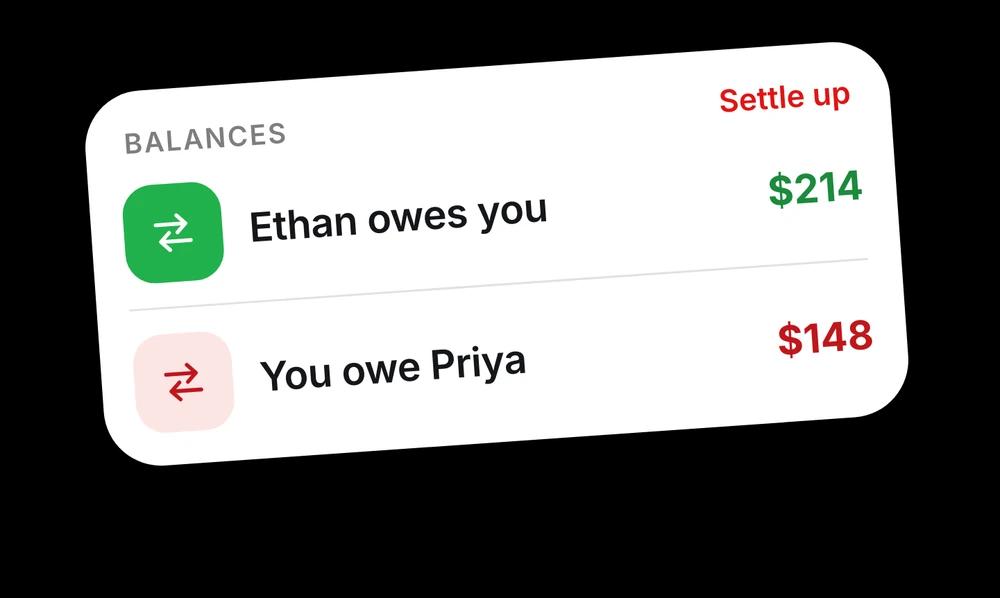
Trip expenses in 1Shelf: Ethan owes you 214 dollars, you owe Priya 148 dollars

And the small jobs, too

The details that make the difference on an ordinary Tuesday.

A pile of paperwork, with a card reading: 21 documents, identity, finance, travel

Scan your camera roll

It finds the receipts, IDs and tickets hiding between your photos. Nothing uploads until you say so.

Eight categories: identity, finance, shopping, medical, vehicle, education, travel, others

Sorted without you

Every document gets a readable name and one of 8 categories. Zero manual filing.

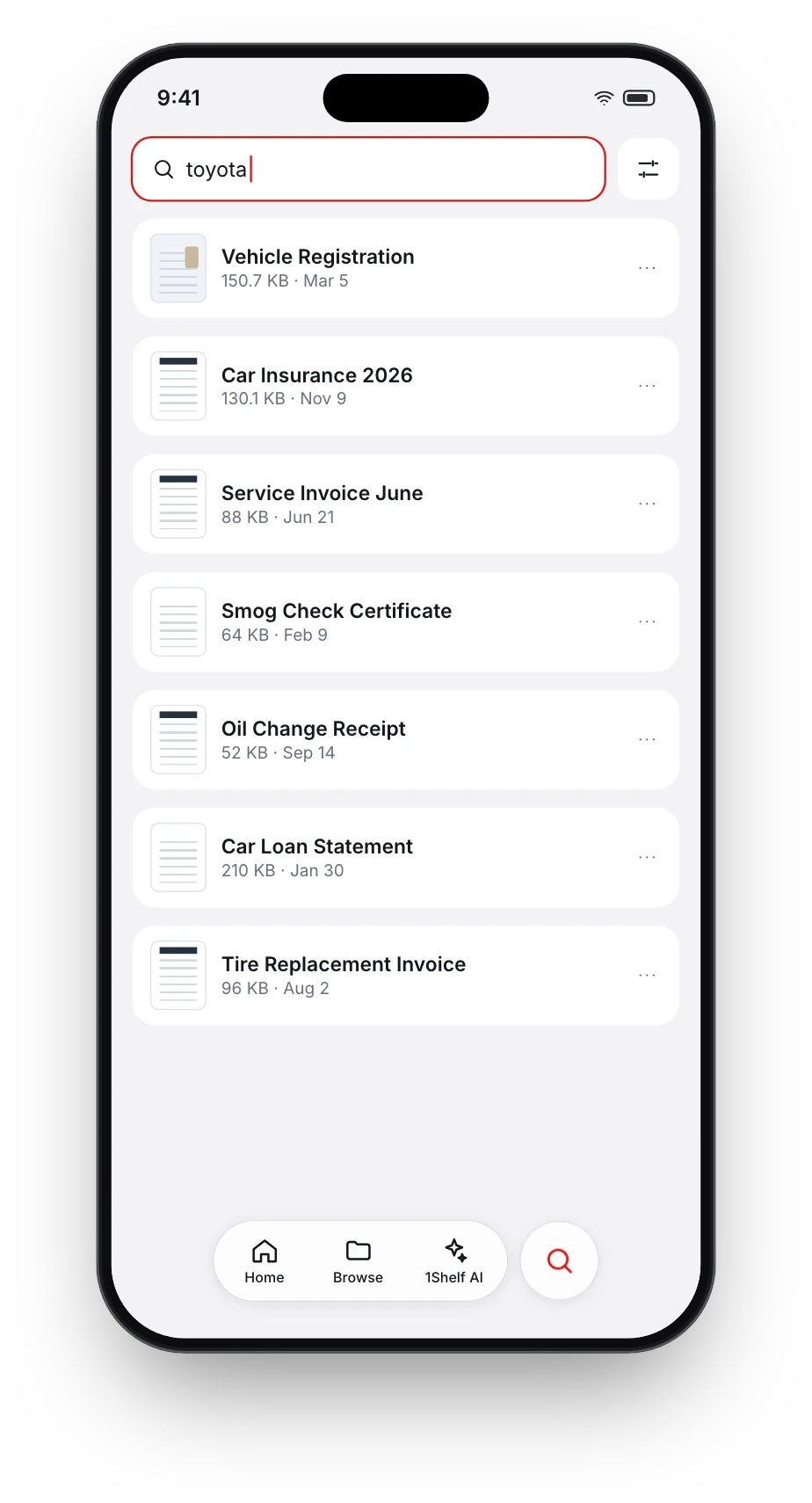
Search results for toyota in 1Shelf

Search inside everything

Type “toyota” and get the insurance, the registration and the service receipt.

Balances: Ethan owes you 214 dollars, you owe Priya 148 dollars

Split trip costs

Who paid, who owes whom, settled in one currency.

A flight from JFK to Naples at 7:25 AM

There without signal

At the airport counter with no network, your ticket still opens. Search works offline too.

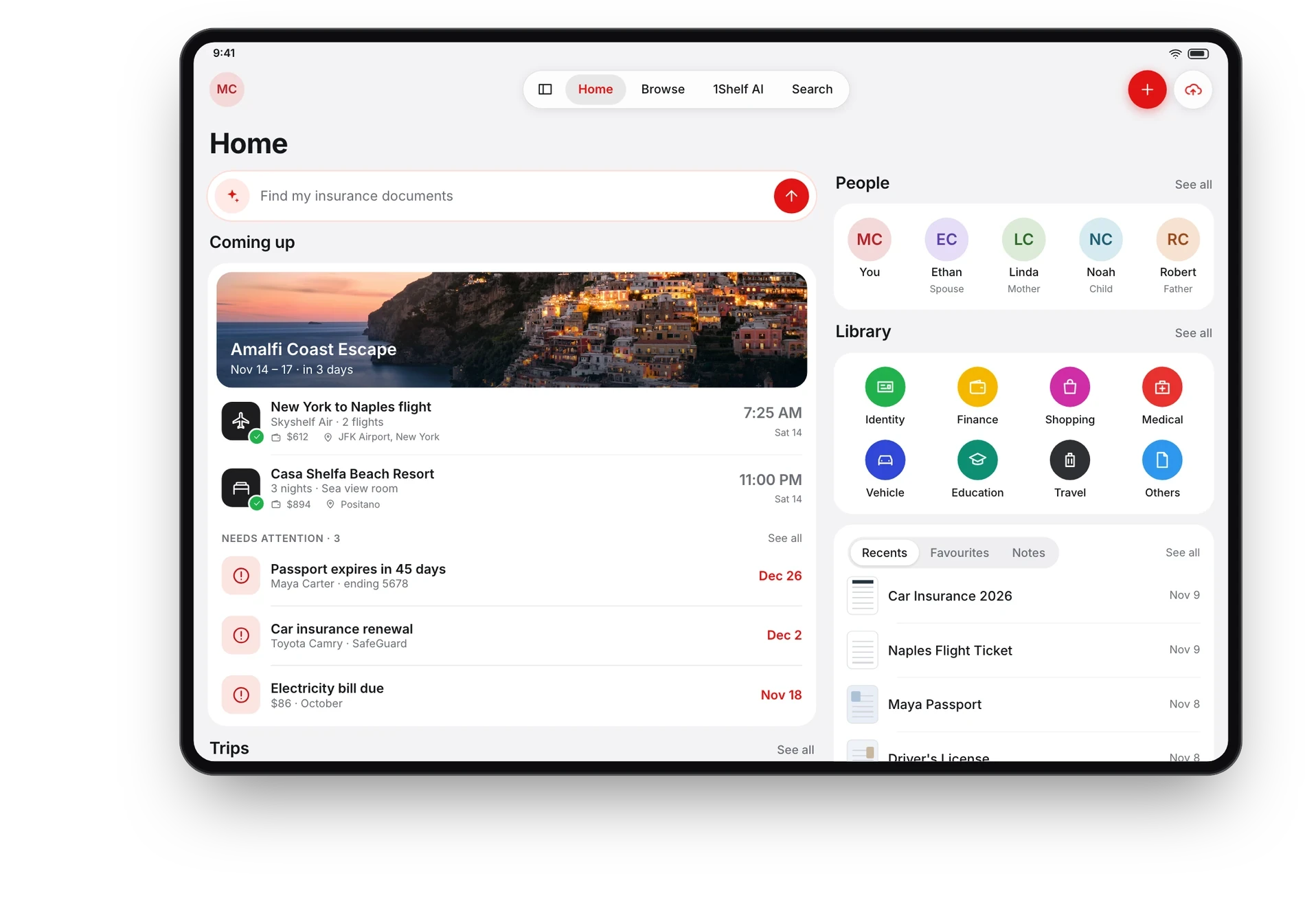
The 1Shelf home screen laid out for iPad

Made for every screen

iPhone, iPad, Android phones and tablets, each with a layout of its own.

Privacy

Private, as it should be

These are the most personal papers you own. 1Shelf is built to treat them that way.

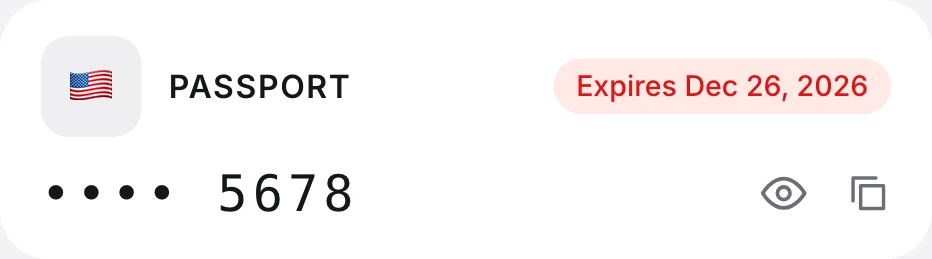
A passport entry in 1Shelf with its number masked: four dots, then 5678
ID numbers stay masked until you tap the eye.
  • EncryptedAES-256 at rest, TLS in transit.
  • Kept in your regionStored in India, the US or the EU.
  • Never used for trainingYour documents do not train AI models.
  • Yours to deleteRemove a file or your whole account from the app.
Reviews

Public cheers, from the App Store

Every line below is a real review, word for word.

Photos are illustrative, not of the reviewers.

★★★★★
I have moved all my documents to 1Shelf, love the ease of access and intelligent smart categorisation and person identification
AjaiApp Store review
★★★★★
Manually reading 18 page agreement was huge and boring task. We thought 1shelf to give a try, and it turned out amazing. It was able to give me answer to my query.
KanhaApp Store review
★★★★★
For someone who has a terrible memory and a ton of documents, this app is literally paradise.
Pooja K.App Store review
★★★★★
As a frequent flyer- Its a great application to go for. Different doc types are always handy. I dont have to hustle in phone gallery.
SainiApp Store review
★★★★★
Just upload the document and it categorised them as per the type. A very easy way to store all your documents which can be needed at any time
ShreyApp Store review
★★★★★
One stop solution for keeping multiple documents organised and making life easier
AnuApp Store review
★★★★★
Saves the hassle of navigating and scrolling through multiple documents. Makes working with long documents and reports much easier.
Aron C.App Store review
★★★★★
This application summarizes images very well, preserving important information and leaving extra details
RohanApp Store review
Step 1 starts here

Give it one document. See what it does.

Download on the App StoreGet it on Google Play
The 1Shelf home screen on iPhone