Expiry reminders that set themselves
Passports, visas, insurance, licences, bills, warranties, tickets. 1Shelf reads the date on each document and reminds you while there is still time to act. Nothing to type in.


Free on iPhone, iPad and Android.

From a document to a reminder, with no typing
- Step 1
Add the document
A photo, a PDF, or a forward from WhatsApp or email.
- Step 2
1Shelf reads the date
Expiry, renewal or due date, and whose document it is.
- Step 3
It shows up on Home
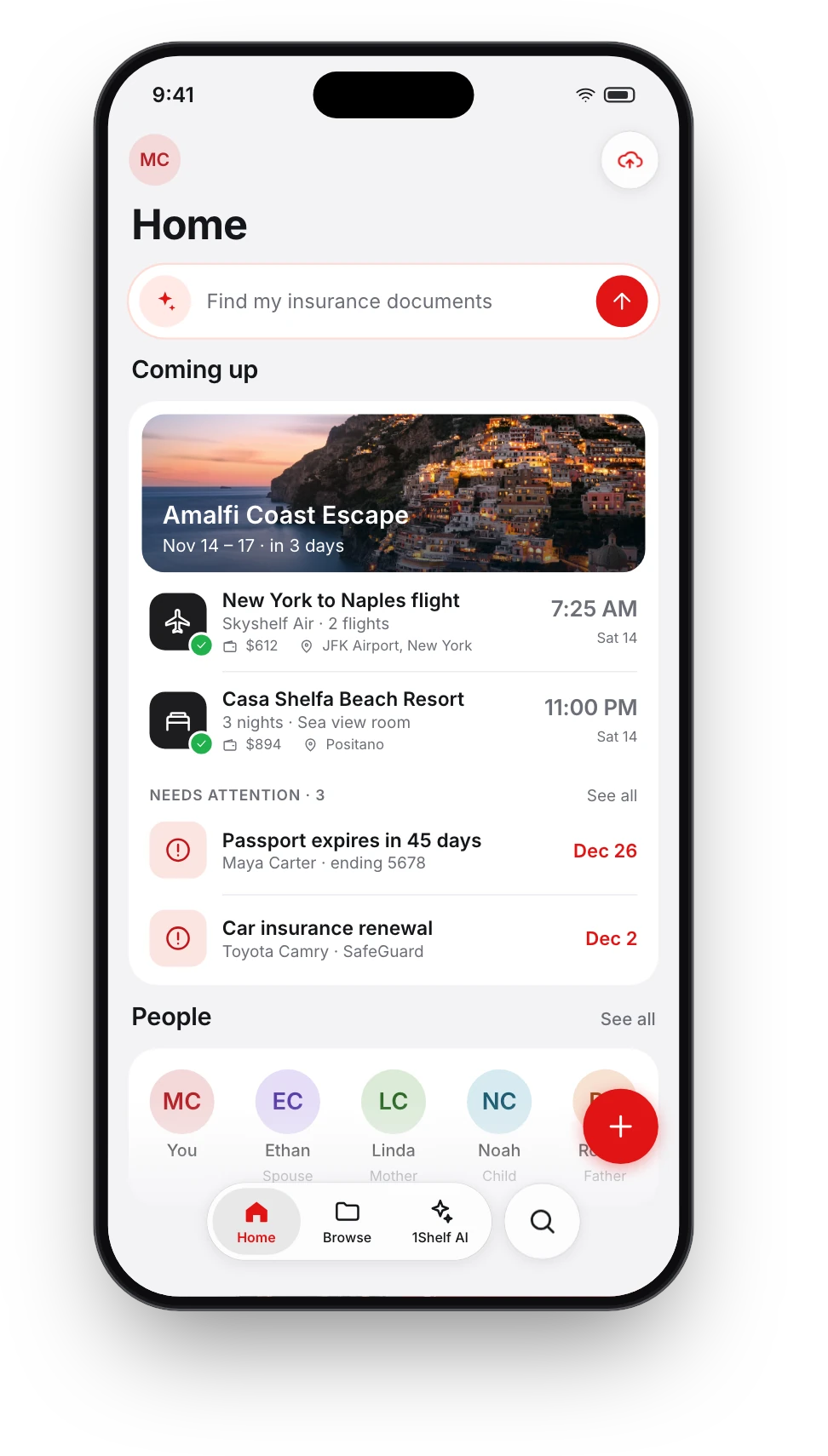
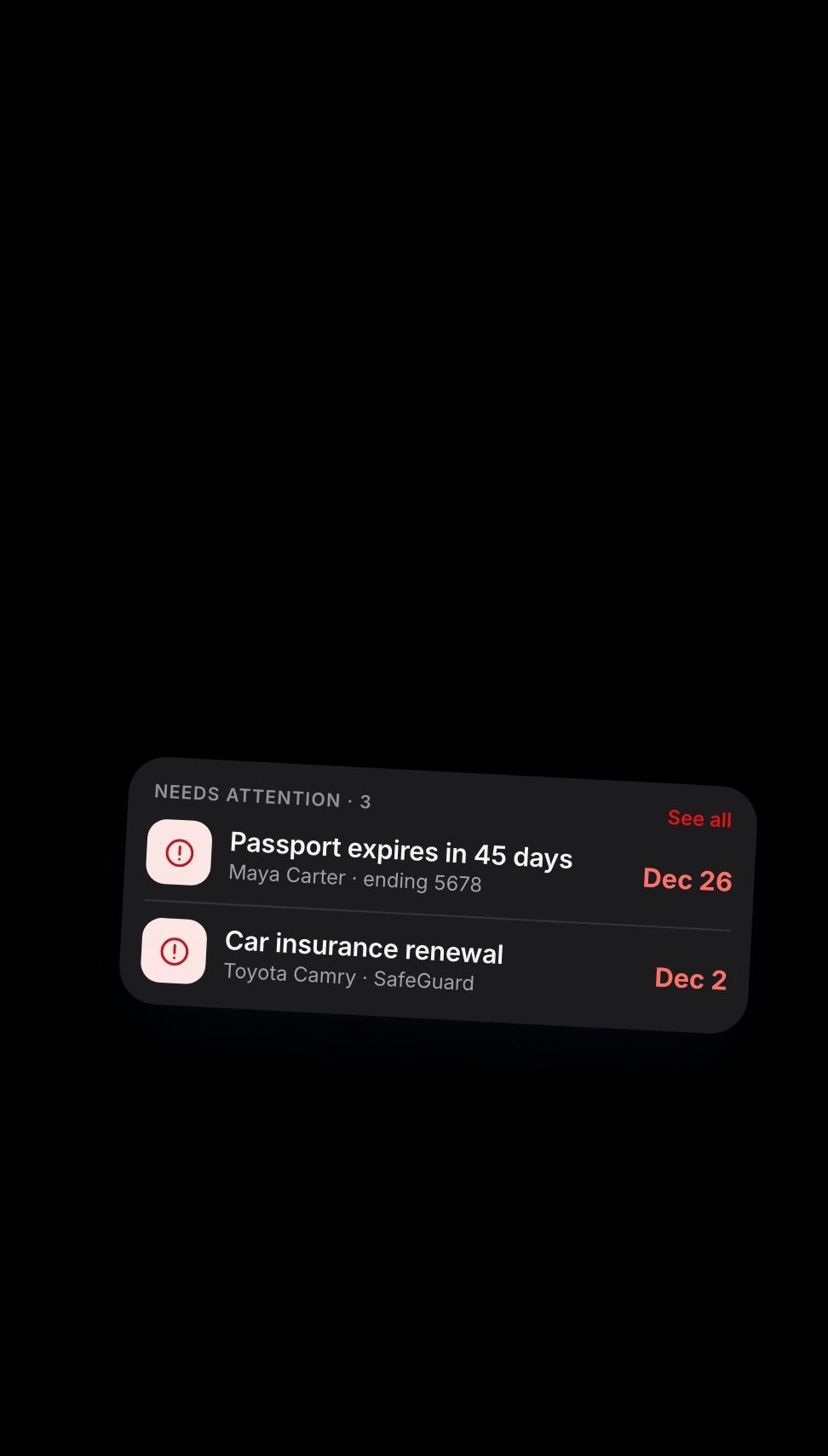
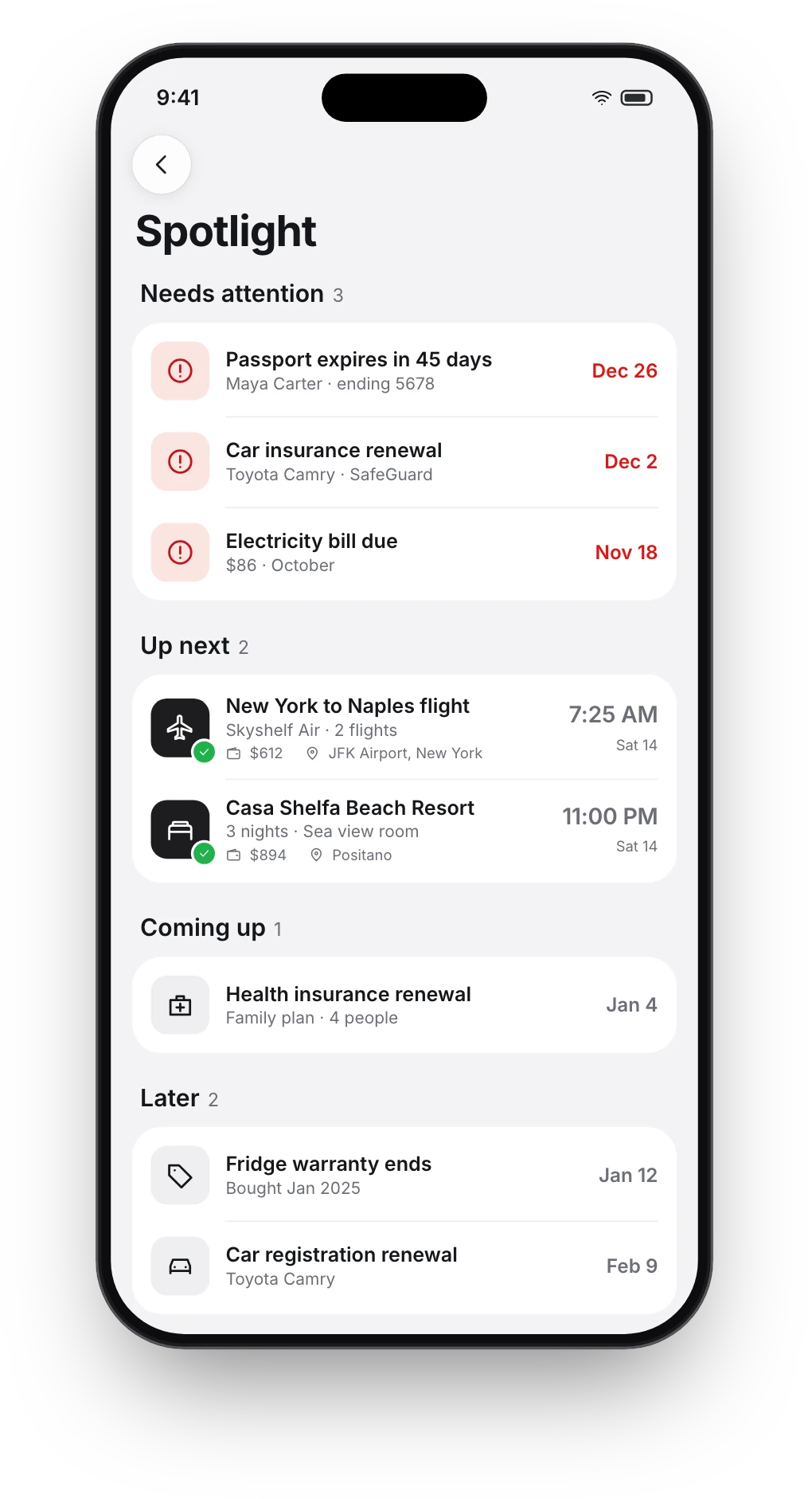
Needs attention holds the few things that cannot wait. Coming up holds the rest.
What it watches, and when it tells you
Slow things get long notice. Fast things get short notice.
- Passport
- Months ahead, with follow-ups as the date gets closer.
- Visa and driving licence
- Weeks ahead.
- Insurance policy
- About a month ahead, then again close to the date.
- Rent or legal agreement
- A month or two ahead.
- Utility bill, card statement
- The week it is due.
- Warranty
- About a month before it ends.
- Flight, train, bus or event ticket
- The day before, then on the day.
Questions people ask
Do I have to enter any dates myself?
No. 1Shelf reads the expiry, renewal or due date from the document when you add it, and sets the reminders for you.
How do the reminders reach me?
As a notification on your phone. When one cannot reach you, or a renewal sits untouched, 1Shelf follows up by email.
How early will I hear about my passport?
Months ahead, because renewals are slow and many countries want six months of validity. More reminders follow as the date gets closer.
Does it cover my family's documents too?
Yes. Any document you add gets its reminders, whoever it belongs to. People shows you whose it is.
Is it free?
1Shelf is free on iPhone, iPad and Android.
Give it one document. See what it does.