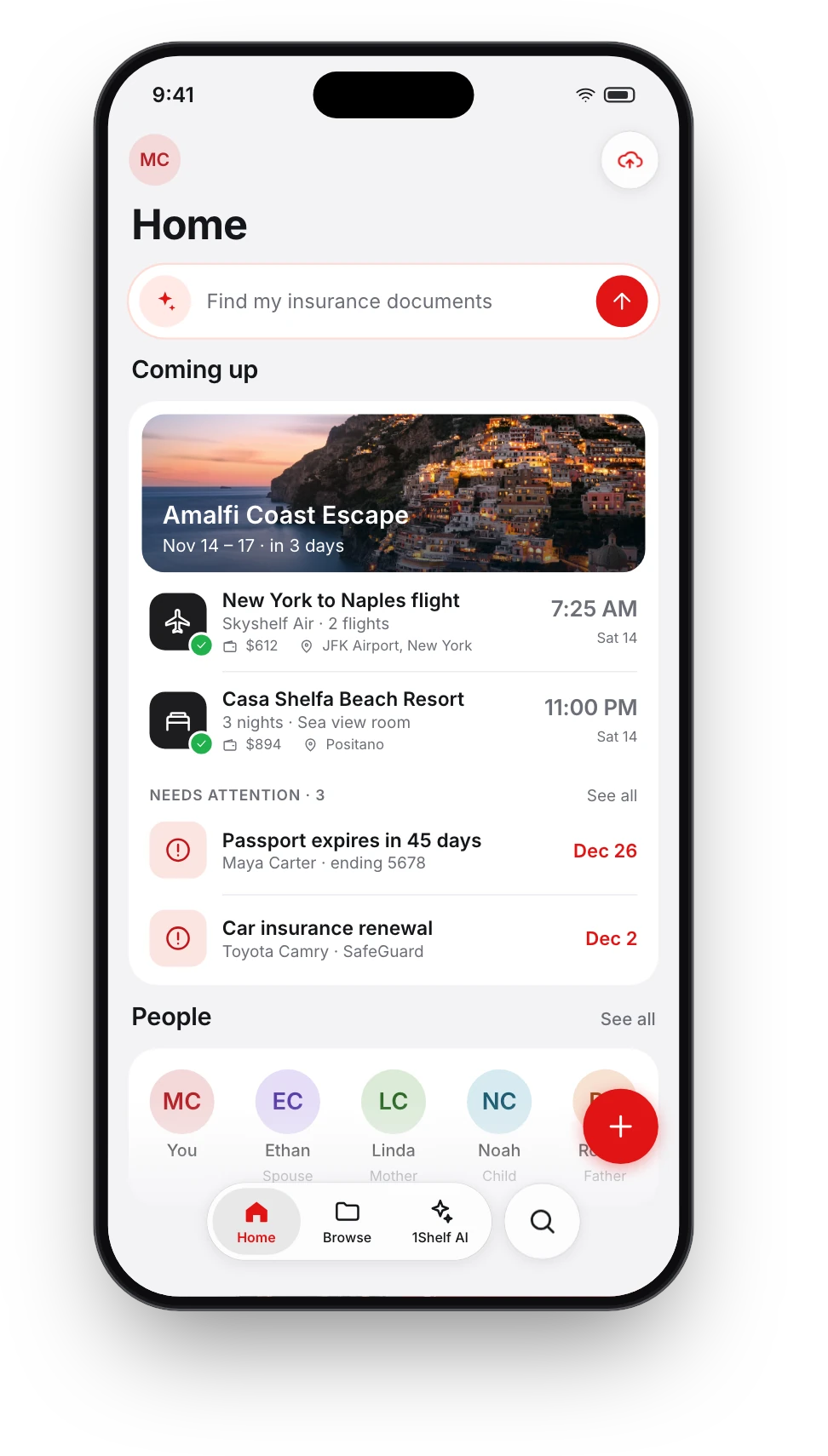
Ask your documents anything
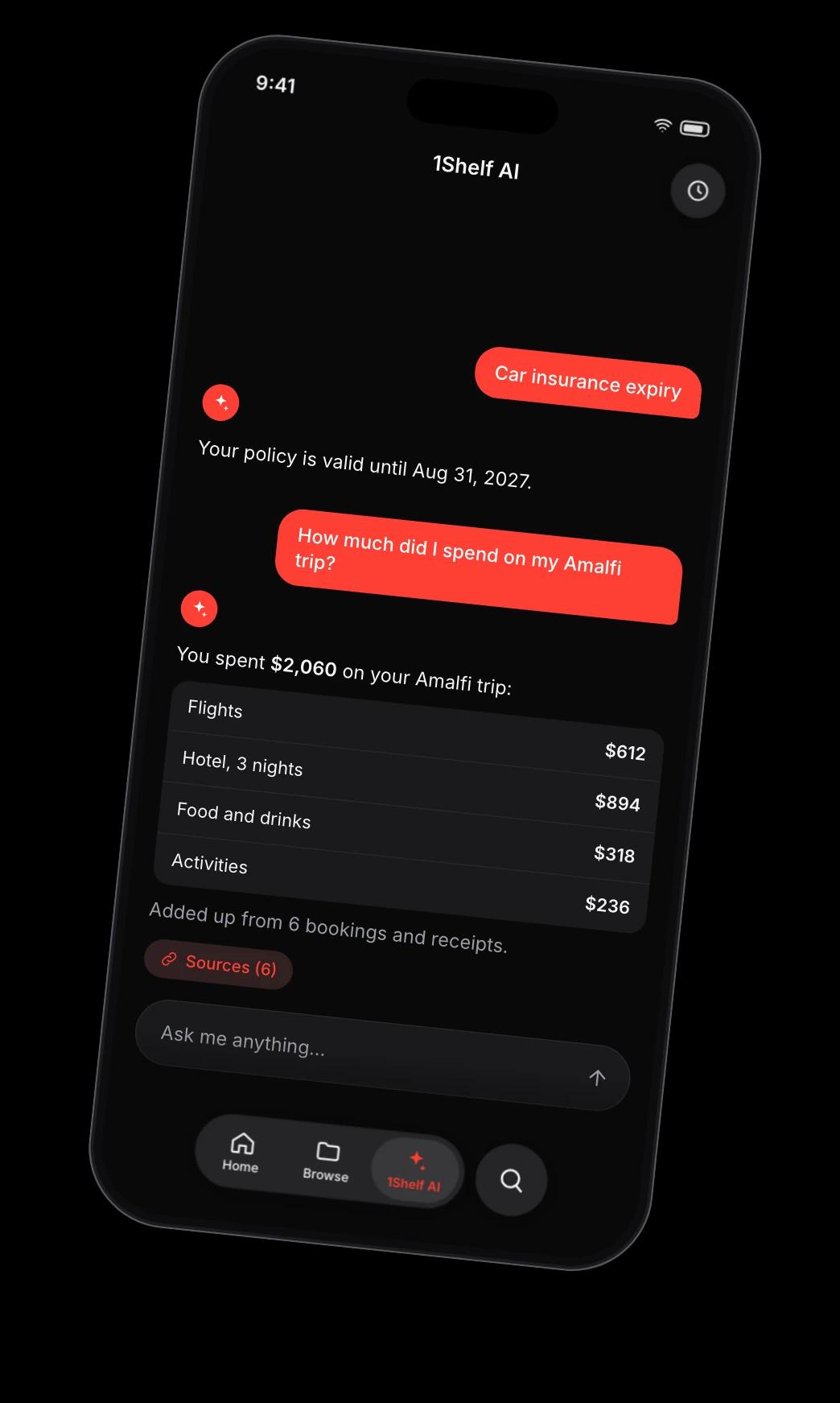
Type a question the way you would ask a person. 1Shelf AI finds the right papers, reads them and answers, and shows you which documents the answer came from.


Free on iPhone, iPad and Android.
From a question to an answer you can check
- Step 1
Ask in plain words
No keywords and no file names. Ask about a date, an amount, a policy or a person.
- Step 2
It reads the right documents
1Shelf AI searches everything you have added and reads the pages that matter.
- Step 3
You get the answer and its sources
Tap a source to open the document and see it for yourself.
What you can ask
Anything your documents can answer.
- Dates and deadlines
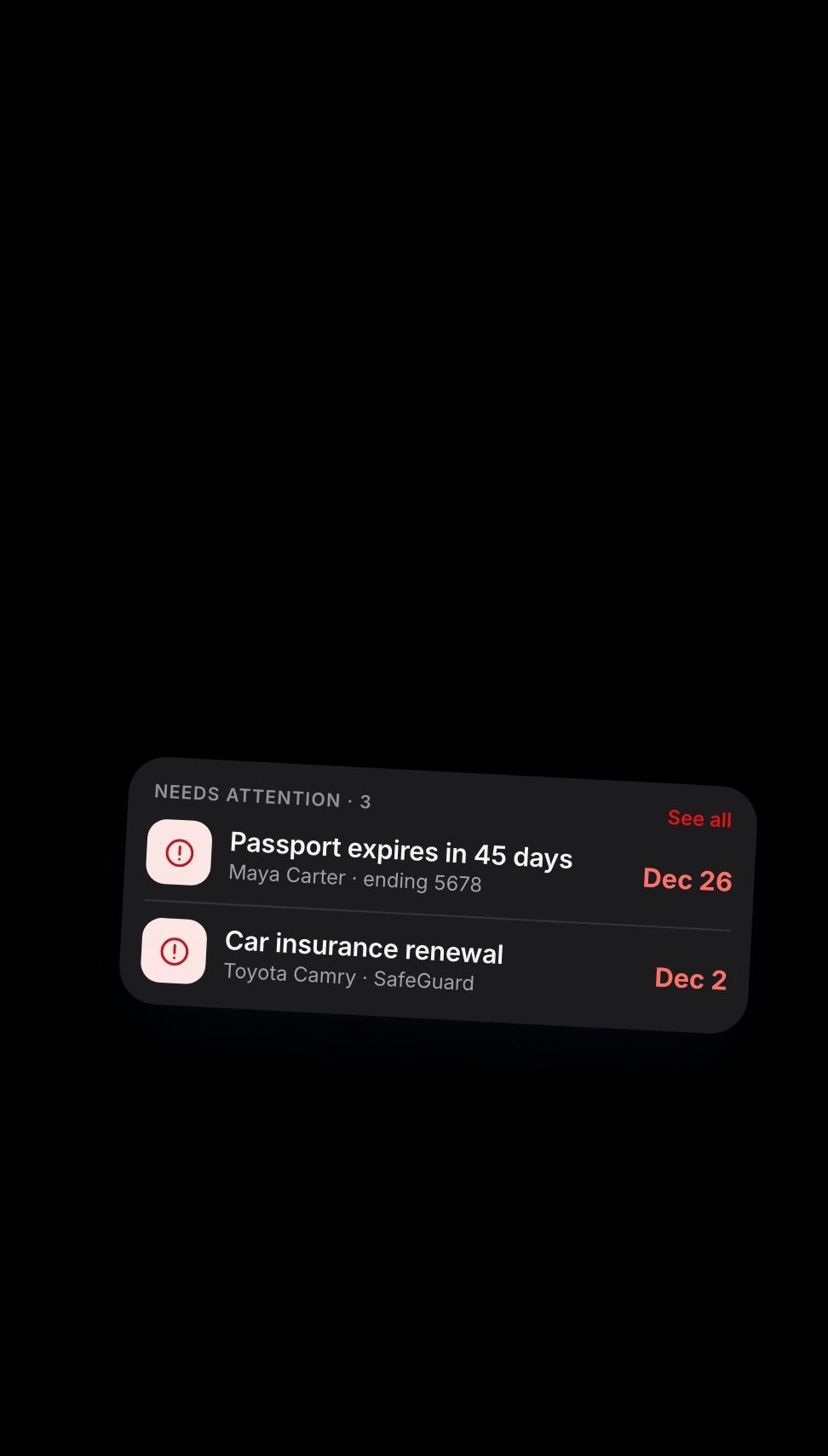
- “Is my car insurance still valid?” “When does my fridge warranty end?”
- Totals
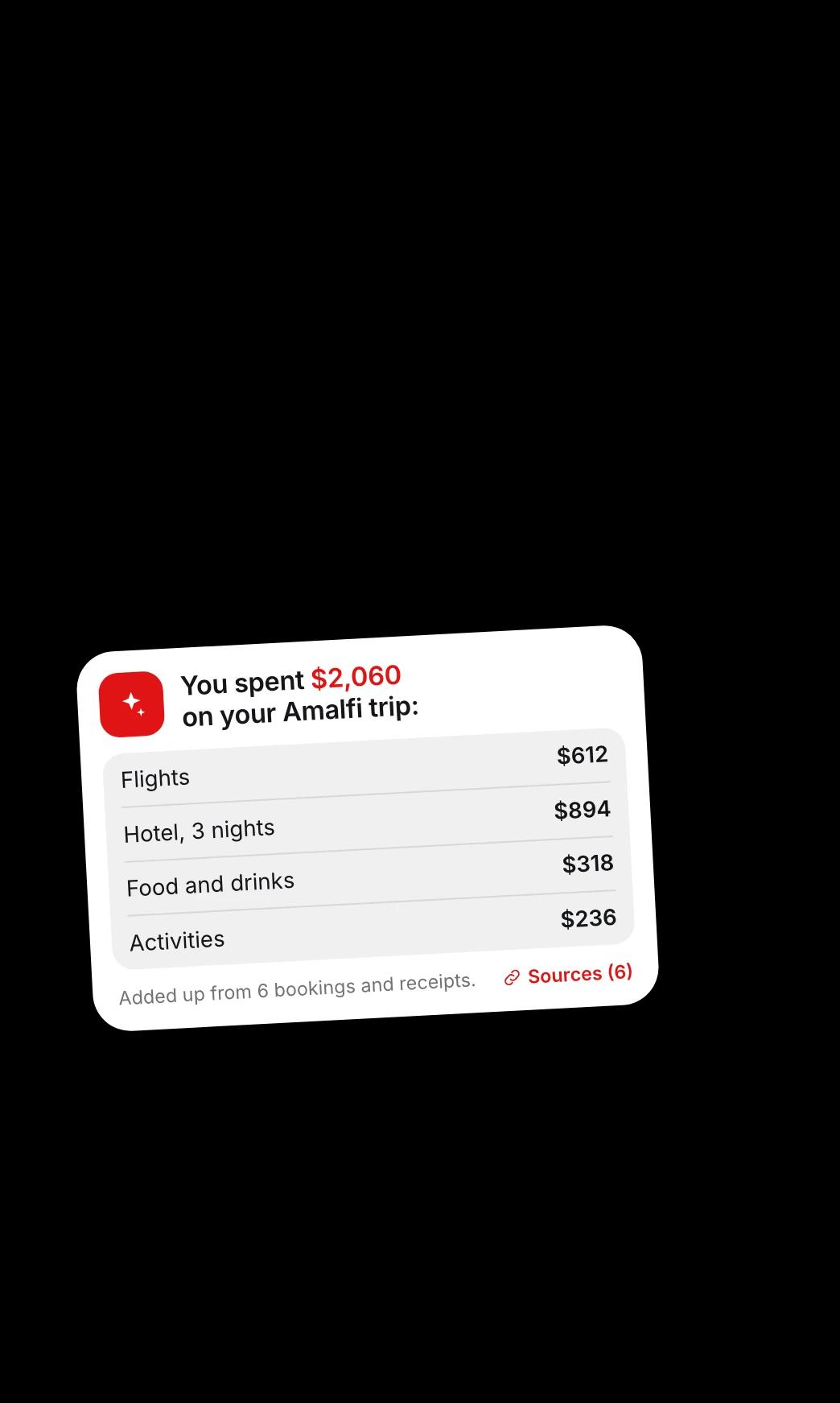
- “How much did I spend in Amalfi?” It adds up the bills and receipts and shows the breakdown.
- Finding things
- “Find my tax documents for 2025.” It brings back the documents themselves.
- Details inside long documents
- Ask what a rental agreement says about the notice period, without reading every page.
- Tidying up
- Ask it to sort documents into folders. It shows you the plan, and nothing moves until you approve.
- On WhatsApp too
- Message 1Shelf on WhatsApp and ask the same questions there.
Questions people ask
Where do the answers come from?
From the documents you have added to 1Shelf. Every answer lists the documents it used, so you can open them and check.
Which languages does it answer in?
It answers in 18 languages.
Can it change or delete my documents?
It can suggest folders and moves, and those happen only after you approve them. It cannot delete anything.
Are my documents used to train AI?
No. Your documents do not train AI models.
Is it free?
1Shelf is free on iPhone, iPad and Android.
Give it one document. See what it does.