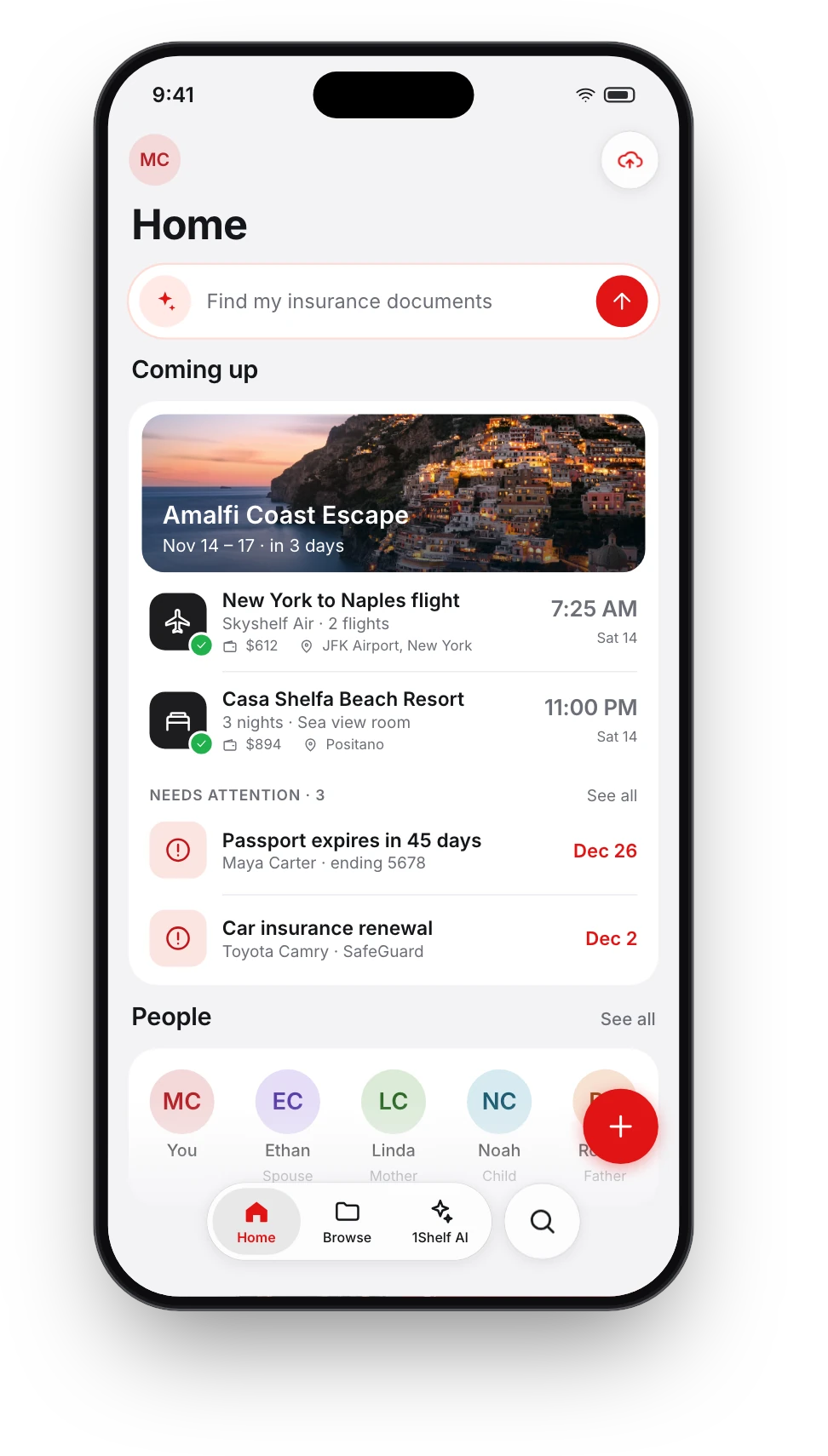
Everyone's papers, sorted by person
A household's paperwork belongs to several people. 1Shelf reads the name on each document and gives every person a card with everything of theirs on it.


Free on iPhone, iPad and Android.
From a pile of documents to a card for each person
- Step 1
Add documents as usual
Yours, your partner's, your children's, your parents'. No tagging needed.
- Step 2
1Shelf reads whose it is
Names on IDs, tickets, policies and bills are matched to the same person.
- Step 3
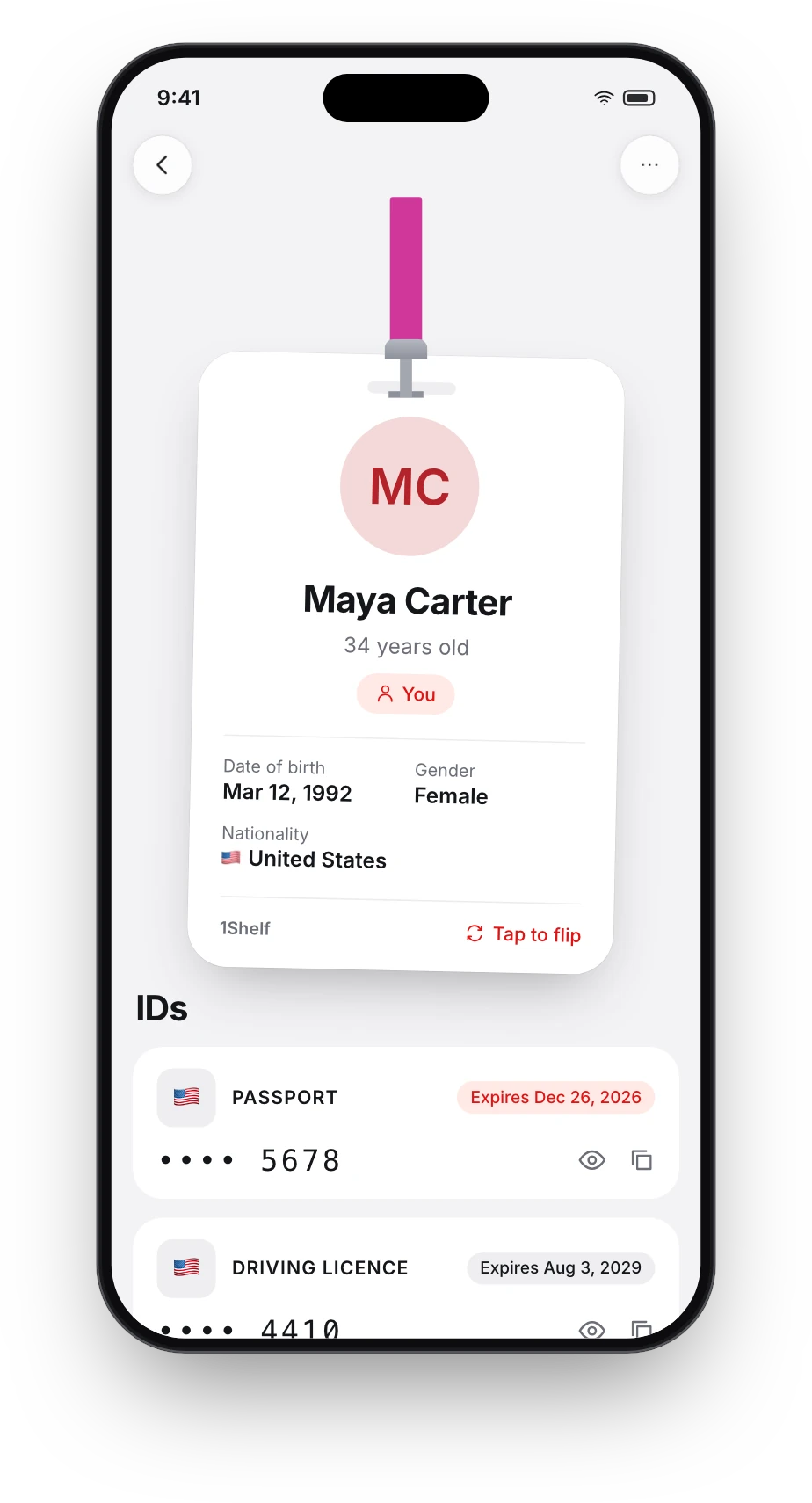
Each person gets a card
Their documents and ID details in one place, ready when a form asks for them.
What a person's card gives you
One place for everything with their name on it.
- Their documents together
- Passport, licence, insurance, tickets: everything that belongs to them.
- ID numbers when you need them
- Shown masked. Tap the eye to see the full number.
- Search by person
- Type a name and get that person's documents.
- Whose document is this?
- Every document shows the people on it, so you can go from a file to the person.
- Corrections that stick
- When 1Shelf is unsure whether two names are the same person, it asks. You can fix a match at any time, and undo it.
Questions people ask
Do I have to add people myself?
No. 1Shelf finds the people named on your documents. You can also add or edit a person yourself.
What if it mixes up two people, or splits one person in two?
It asks when it is unsure, and you can correct it. Corrections can be undone.
Who can see the ID numbers?
The people on your documents are visible only in your account, and ID numbers are masked on screen until you tap the eye.
Does it work for a whole family?
Yes. Add anyone's documents and each person gets their own card.
Is it free?
1Shelf is free on iPhone, iPad and Android.
Give it one document. See what it does.